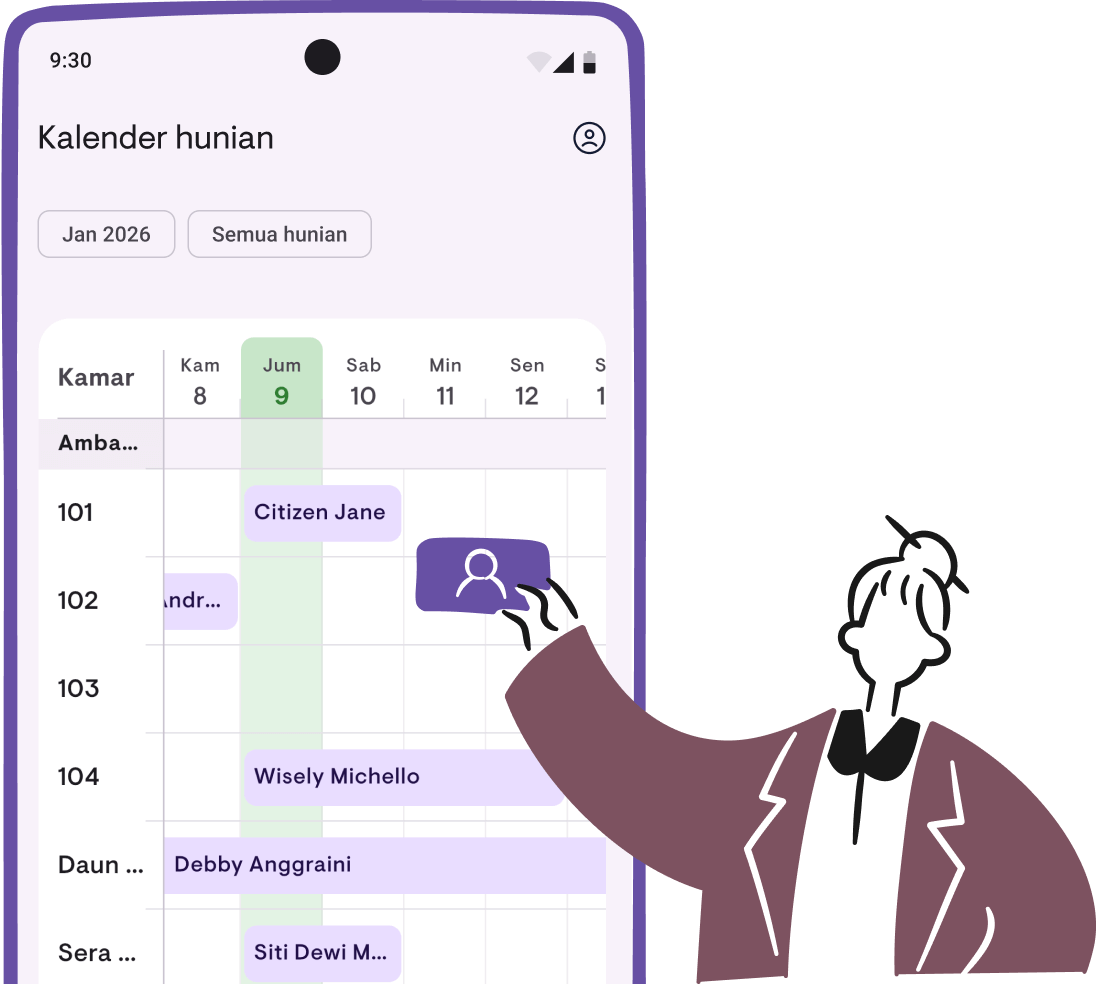
Introducing the occupancy calendar
See all your leases across every property in a visual timeline. The Occupancy Calendar is now available in Kamaru.
Managing multiple properties means juggling countless lease dates, tenant schedules, and vacant periods. Keeping track of it all in your head—or worse, on paper—can quickly become overwhelming.
That’s why we’re excited to introduce the Occupancy Calendar, now available in Kamaru.
See your entire portfolio at a glance
The Occupancy Calendar gives you a visual timeline of all your leases across every property. No more switching between screens or checking individual rooms to find out who’s staying where and when.
- View occupancy schedules in a horizontal timeline
- See all properties together or filter by specific property and room
- Quickly identify vacant periods and overlapping leases
Manage leases directly from the calendar
The calendar isn’t just for viewing—it’s built for action. Tap any date to add a new lease, or tap an existing lease to see tenant details. Everything you need is just a tap away.
Works for all rental types
Whether you rent out entire properties or individual rooms, the calendar adapts to your setup. Whole-property rentals show as a single timeline, while per-room properties display each room separately.
Available now
The Occupancy Calendar is available in the latest version of Kamaru on both Android and iOS. Update your app to start using it today.
For a detailed walkthrough on how to use the calendar, check out our Occupancy Calendar user guide.
May 2026 update — The calendar now has three view modes: Daily, Weekly, and Monthly. Ideal for long-term leases or seeing your entire portfolio in one screen. Details in our v1.6.1 release post.
Have questions or feedback? We'd love to hear from you. Email us.

Start managing for free today
Join other landlords who are already using Kamaru to manage their properties.

